
Download Partition Recovery Freeware – partition recovery, data recovery, NTFS, FAT, file recovery, disk recovery, recover deleted files, recovery software, hard drive recovery, recover lost data
Overview
Partition Recovery Freeware is a utility designed to assist users in retrieving lost or deleted files from NTFS and FAT partitions. Its primary purpose is to restore documents, images, and other file types following accidental deletion, system crashes, or disk corruption. The app targets individuals and professionals who rely on Windows-based systems and require a reliable tool to recover critical data without technical expertise.
While the developer, SoftPas, has not provided additional background on their broader product offerings, the software has been available since 2014, indicating a long-standing presence in the data recovery niche. The tool is particularly useful in scenarios such as partition formatting errors, unexpected shutdowns, or failed disk operations. Given its focus on file recovery from common Windows file systems, it fills a vital role in the digital safety ecosystem.
For users managing personal or professional data on hard drives or external storage, the ability to recover lost files quickly can prevent significant data loss. The software’s availability as a free tool enhances its accessibility, especially for users seeking immediate solutions without upfront costs. Although it lacks advanced automation or cloud integration, its core functionality remains relevant in today’s data-dependent environment.
Key Features & Functionality
- Multi-File Type Recovery: The software supports the recovery of various file types, including documents, images, and other common formats. This allows users to specify exact file categories during the recovery process, reducing irrelevant results and improving efficiency.
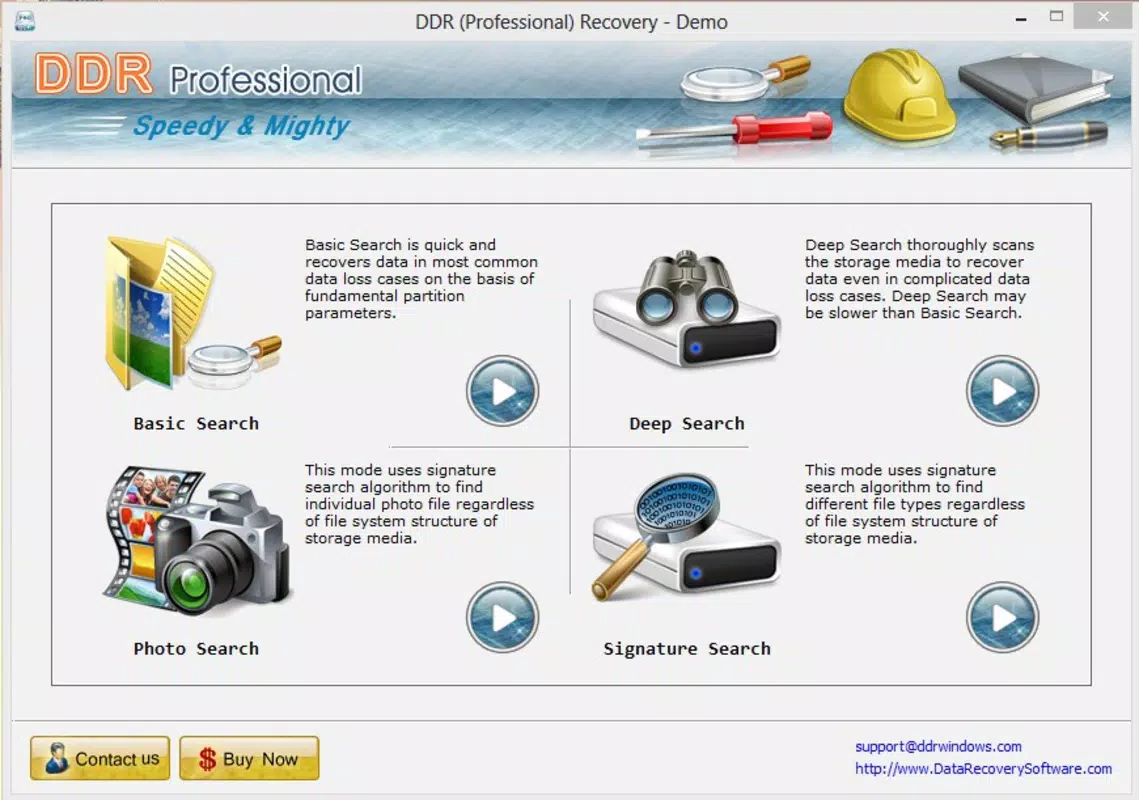
- User-Friendly Interface: Designed with simplicity in mind, the interface organizes recovery functions into clear categories such as image search, basic search, and deep search. This layout enables even non-technical users to navigate and initiate recovery tasks with minimal effort.
- Fast Recovery Process: After selecting the target partition and file type, the software begins scanning and returns results in seconds to minutes. This speed is beneficial for users managing large storage drives where lengthy recovery times are common.
- Custom Search Options: The program offers multiple search modes tailored to different recovery scenarios. Users can choose between image search for visual files, basic search for straightforward recovery, or deep search for more complex cases involving fragmented or severely damaged data.
- Trial and Licensed Options: A trial version is available with limited functionality, allowing users to test the software’s capabilities before committing to a purchase. The licensed version unlocks additional features, enhancing recovery depth and success rates.
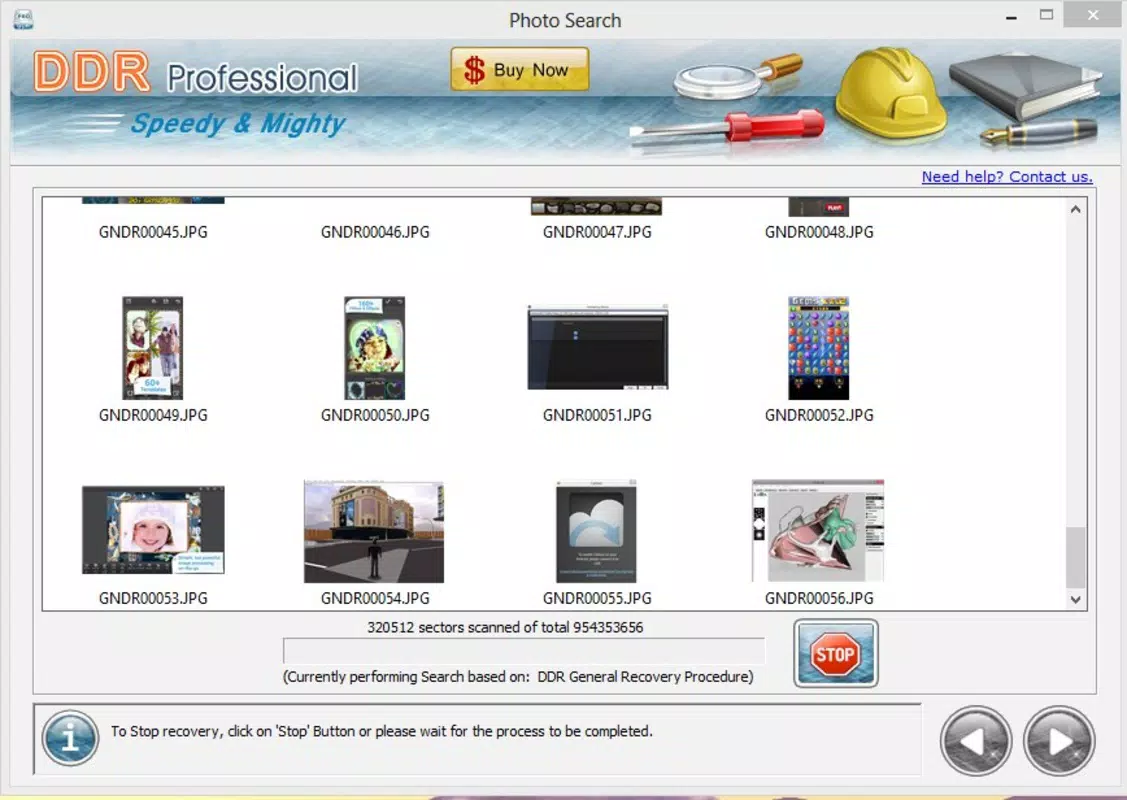
For example, a user who accidentally deleted a folder of project images can use the image search mode to locate and recover those files quickly. Similarly, someone who reformatted a drive can use the deep search option to scan for remnants of lost data across the entire partition. These practical use cases demonstrate how the software adapts to real-world data loss situations.
Interface, UX & Performance
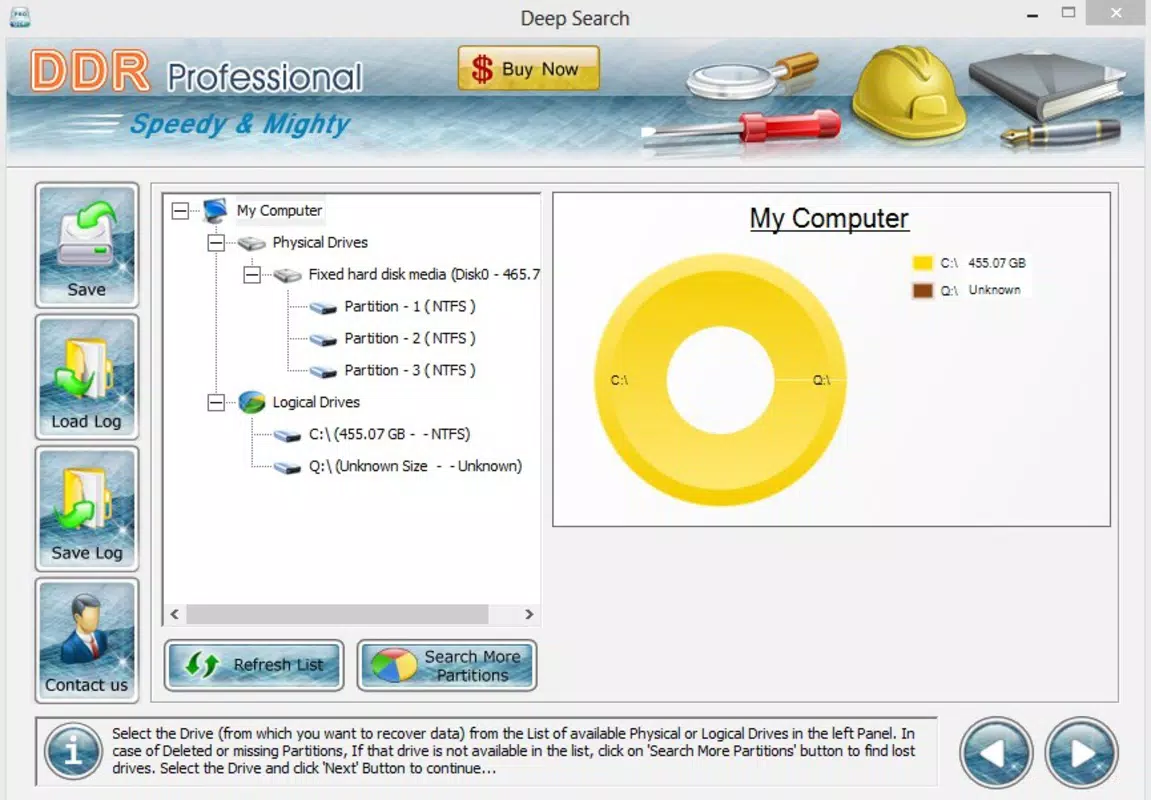
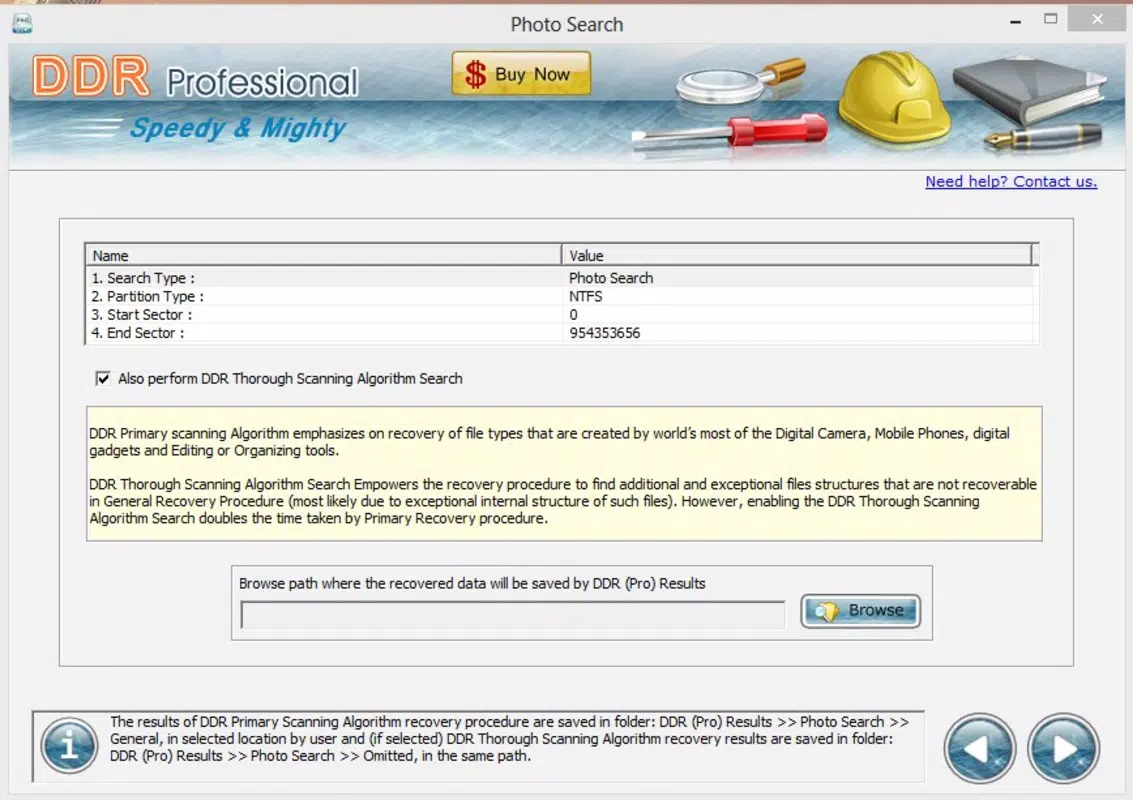
The user interface of Partition Recovery Freeware presents a clean, straightforward layout optimized for ease of use. Navigation is linear and intuitive, with clearly labeled buttons and a well-organized workflow that guides users through each step of the recovery process. Visual cues and progress indicators help users understand the status of ongoing scans, reducing uncertainty during recovery operations.
The design prioritizes functionality over aesthetics, focusing on clarity and accessibility. Although the developer did not list formal performance metrics, the software is reported to operate efficiently on standard Windows systems, with minimal resource consumption during scans. It is suitable for use on a range of device categories, including desktops and laptops with average hardware configurations.
Responsiveness remains consistent across different screen sizes and resolutions, ensuring a stable experience. Stability appears reliable, with no widespread reports of crashes or freezes during typical use. However, the developer did not provide detailed information on error handling or recovery under extreme conditions.
Overall, the UX is well-suited for users seeking a no-frills, effective tool without the need for extensive training or technical knowledge.
Platform Compatibility & Technical Requirements
Partition Recovery Freeware is designed for the Windows platform and requires a compatible Windows operating system. The software version is 1.0.0, with a file size of 3.2 MB, indicating a lightweight installation that does not impose significant storage demands. While the developer did not specify minimum OS requirements, the software’s long-standing presence suggests compatibility with widely used Windows versions, including Windows 7 and later.
The application is available as a free download, allowing users to install and run it without cost. The developer did not provide additional technical details such as CPU or RAM requirements, nor did they list specific hardware prerequisites. Compatibility information was not fully disclosed, so users should ensure their system meets general Windows standards before installation.
The app is intended for desktop environments and is not available on mobile platforms. The lightweight size makes it suitable for older systems with limited resources, though performance may vary depending on the drive being scanned and the volume of data involved.
Pros and Cons
Pros
- Free to download and use, making it accessible to a wide audience.
- Lightweight file size (3.2 MB) ensures quick installation and minimal system impact.
- User-friendly interface suitable for non-technical users.
- Supports recovery from both NTFS and FAT partitions.
- Offers multiple search modes to adapt to different recovery scenarios.
Cons
- Developer did not specify minimum OS or hardware requirements.
- Only available for Windows, with no mobile or cross-platform support.
- Trial version has limited functionality, restricting full assessment.
- No information on cloud integration or automated backup features.
- Compatibility with newer Windows versions was not confirmed by the developer.
FAQ
Is Partition Recovery Freeware safe to download and use?
Yes, the software is available as a free tool from the developer’s official source. However, users should always download from trusted websites to avoid bundled malware or third-party modifications.
Can I recover files after a drive has been reformatted?
Yes, the software is designed to recover data from reformatted partitions using deep scan modes, though success depends on how recently the formatting occurred and whether new data has overwritten the old.
Does the software support external hard drives?
Yes, the tool can scan and recover files from external storage devices connected via USB, provided they use NTFS or FAT file systems.
Is there a mobile version available?
No, the software is exclusively designed for Windows desktop systems and is not available for Android or iOS devices.
How often should I update the software?
While the developer has not specified update frequency, users should check for updates periodically to ensure compatibility with newer Windows versions and improved recovery algorithms.
Final Thoughts
Partition Recovery Freeware offers a dependable, no-cost solution for users facing data loss on NTFS or FAT partitions. Its intuitive interface, support for multiple file types, and customizable search options make it a practical choice for individuals and small businesses needing quick recovery without technical overhead. While the trial version limits access to advanced features, the core functionality remains effective for common recovery tasks.
The lack of mobile support and undefined system requirements are notable drawbacks, but the software’s lightweight nature and free availability mitigate many concerns. For users managing critical data on Windows systems, especially those without access to premium recovery tools, this freeware provides a valuable safety net. Its long-standing presence in the market underscores its reliability and continued relevance.
Download Partition Recovery Freeware now


